


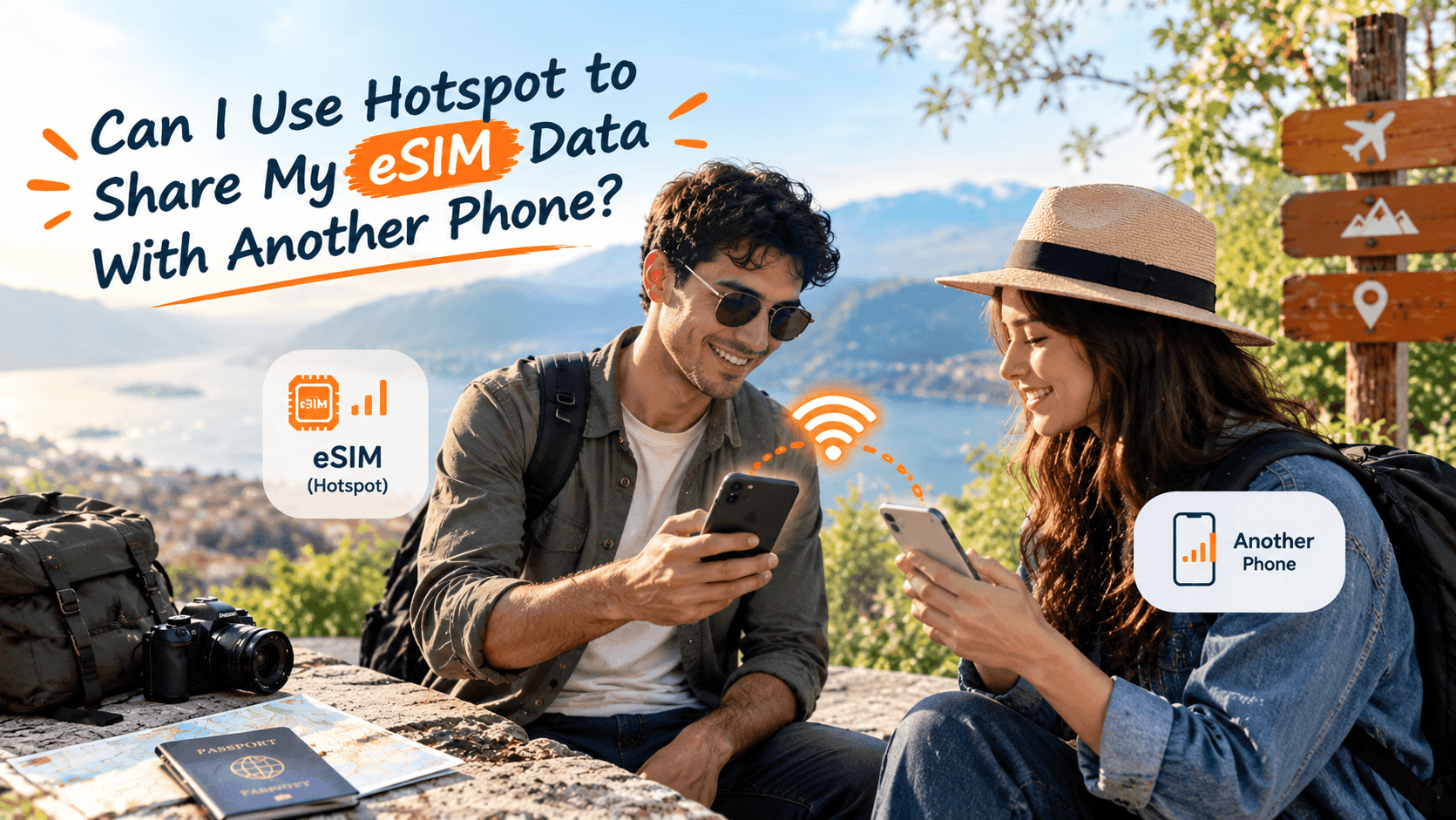
Short answer
Yes. Turn on Personal Hotspot (iPhone) or Mobile Hotspot (Android) on the phone that holds the eSIM. Your second phone or laptop joins it like any wifi network and uses the same data balance. Check the plan page first, because sharing depends on the plan you pick.
Your cousin lands with you in Frankfurt and his phone has no data. You have a working eSIM, so the obvious question is whether you can lend it out. Hotspot is built for this. Here is how it works and where it falls short.
What a hotspot does
An eSIM is a SIM built into your phone, so there is no small plastic card to swap. People call it an eSIM card or an e sim, but nothing physical arrives. A hotspot turns your phone into a small wifi router. This is also called tethering, which simply means sharing one phone's mobile data with another device. Your phone takes data from the eSIM and passes it on over wifi.
Every device that joins draws from the same data balance. Two phones and a laptop do not get three allowances. They share one.
Check the plan before you buy eSIM data
Whether hotspot sharing is allowed is set by the plan, and it can differ from one plan to the next. Read the plan page before you pay. If it does not mention hotspot, ask through the frequently asked questions page or support before you rely on it. A phone with its own eSIM is the surest route for everyone in the group.
How to turn it on
On an iPhone
Check the eSIM is your data line
Open Settings, then Mobile Service, then Mobile Data, and pick the travel eSIM.
Open Personal Hotspot
It sits on the main Settings page. Switch on Allow Others to Join and note the wifi password shown there.
Join from the other device
On the second phone, choose your iPhone's name in its wifi list and type the password. A blue bar appears at the top of your iPhone when someone is connected.
On an Android phone
Pick the eSIM for data
Go to Settings, then Connections or Network and Internet, then SIM Manager, and set the travel eSIM as the mobile data line.
Open Mobile Hotspot
On Samsung it is under Connections, then Mobile Hotspot and Tethering. On a Pixel, look under Network and Internet, then Hotspot and Tethering. Switch it on.
Share the name and password
The second device joins from its wifi list. Most Android phones also show a QR code the other phone can scan.
If your phone is new to eSIMs, follow the installation guide first. You can confirm a handset is supported on the eSIM compatible device list.
How fast the data goes when shared
A laptop uses far more data than a phone. A video call, a software update or a cloud backup can take hundreds of MB in a few minutes. Phones left to update apps in the background add to that too. A good way to plan is to add a few extra GB for each additional device. Our guide on how much data you need for a week abroad gives per-activity figures to work from.
| Who is sharing | What suits | Reason |
|---|---|---|
| A couple, light use | One eSIM with a hotspot | Maps and messages use little data |
| Family of four | An eSIM on each phone | If the host phone dies, nobody is left online |
| Remote worker with a laptop | A larger data size | Video calls drain the balance fastest |
Battery and other limits
Running a hotspot drains the host phone's battery noticeably faster, often to half the usual day. Carry a power bank, and plug in at the airport gate. Phones of the same make connect most easily. Most handsets allow around five to ten devices at once, though the exact number varies by model.
Hotspot shares one data balance and one phone's battery. For a group, a second eSIM on the busiest phone is the safer setup.
If the hotspot will not connect
- Switch the hotspot off and on again, then forget the network on the second phone and rejoin.
- Make sure the travel eSIM, not another line, is the data line on the host phone.
- Turn airplane mode on for ten seconds, then off, on both phones.
- Check the data balance has not run out.
If none of that works, see our guide to an eSIM not working after landing.
The short version
Hotspot works well for a second phone or a laptop on a short trip, as long as the plan allows it. Size the data for every device, carry a power bank, and give busy phones their own plan. A physical travel SIM is available for phones without eSIM support and shares in the same way.


