


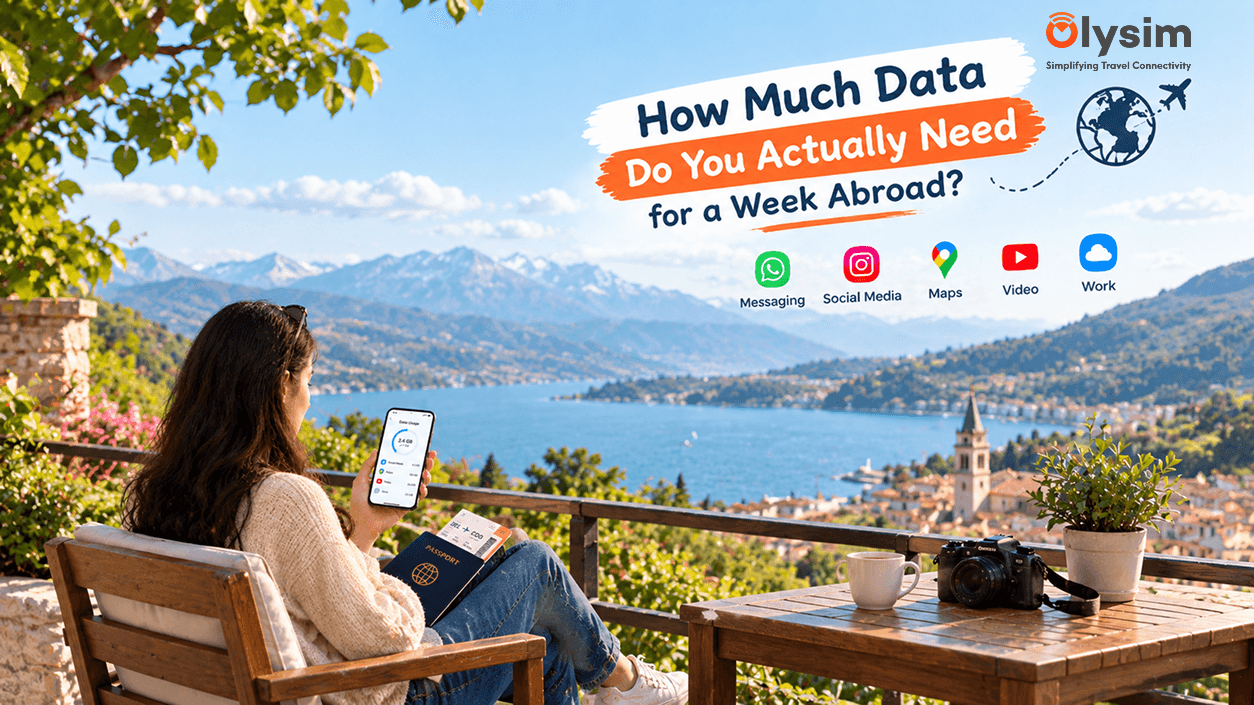
You are choosing between a 5GB, 10GB or 20GB eSIM plan for your week-long trip, and guessing wrong means either running out of data on day four or paying for gigabytes you never touch. Here is a practical way to work out the right size before you fly out of India.
Quick answer: most travellers use between 1GB and 2GB per day for maps, messaging, social media and photo backups, so a week abroad typically needs 7GB to 14GB. Light users checking maps and WhatsApp only can often get by on 5GB to 7GB for a full week.
What actually uses up your data while travelling
A few everyday apps account for almost all the data most travellers use. Google Maps with turn-by-turn navigation running in the background uses more than you would expect, especially in a new city where you are checking it constantly.
WhatsApp calls and video calls home use a noticeable amount too, particularly if you are calling family in India every evening to check in. Instagram, YouTube and any streaming app in the background are usually the biggest single drains, since video uses far more data than text or photos.
Roughly how much data common activities use
| Activity | Approximate data use |
|---|---|
| Google Maps navigation, one hour | Around 5 to 10 MB |
| WhatsApp voice call, ten minutes | Around 5 MB |
| WhatsApp video call, ten minutes | Around 50 to 100 MB |
| Instagram or social media browsing, one hour | Around 150 to 300 MB |
| Video streaming, one hour | Around 500 MB to 1.5 GB, depending on quality |
| Uploading photos to cloud backup, ten photos | Around 30 to 50 MB |
Matching plan size to your travel style
Not every trip uses data the same way, so it helps to think about which kind of traveller you are before picking a plan size.
- Light user: mostly maps and WhatsApp texts, minimal social media. Around 5GB to 7GB for a week is usually enough.
- Average user: maps, WhatsApp calls home, regular Instagram and browsing. Around 10GB to 14GB covers a comfortable week.
- Heavy user: video calls daily, streaming shows in the evening, posting reels and stories throughout the trip. 15GB or more is safer.
If you are travelling with family and sharing one eSIM's hotspot across a couple of phones, add roughly another 3GB to 5GB per extra device to your estimate.
Why guessing too low costs more than guessing too high
Running out of data mid-trip usually means either buying a top-up at a less convenient moment, or falling back on an Airtel, Jio or Vi international roaming pack for the rest of the week at a much higher cost. It is often cheaper overall to buy slightly more than you think you need upfront.
You can always top up an eSIM plan directly from the plans page if you do run low, without needing to visit a shop or counter anywhere abroad.
Checking your actual usage partway through the trip
If you are two or three days into your trip and unsure whether your plan will last the week, check your phone's own data usage screen to see your daily average so far. Our guides on checking data usage on Android and iPhone and checking data usage on iPhone specifically walk through exactly where to look.
Multiply your daily average by the days left in your trip to see if you are on track, and top up early rather than waiting until you are already out.
Picking your plan before you fly
Once you have a rough idea of how much data suits your travel style, install your eSIM at home using our eSIM installation guide, and check your phone is compatible on the eSIM compatible device list if you have not already.
Getting the size right the first time means no mid-trip scramble for a local SIM or an expensive Airtel, Jio or Vi roaming top-up. Browse eSIM plans by destination and data size on Olysim's plans page before you fly.


