


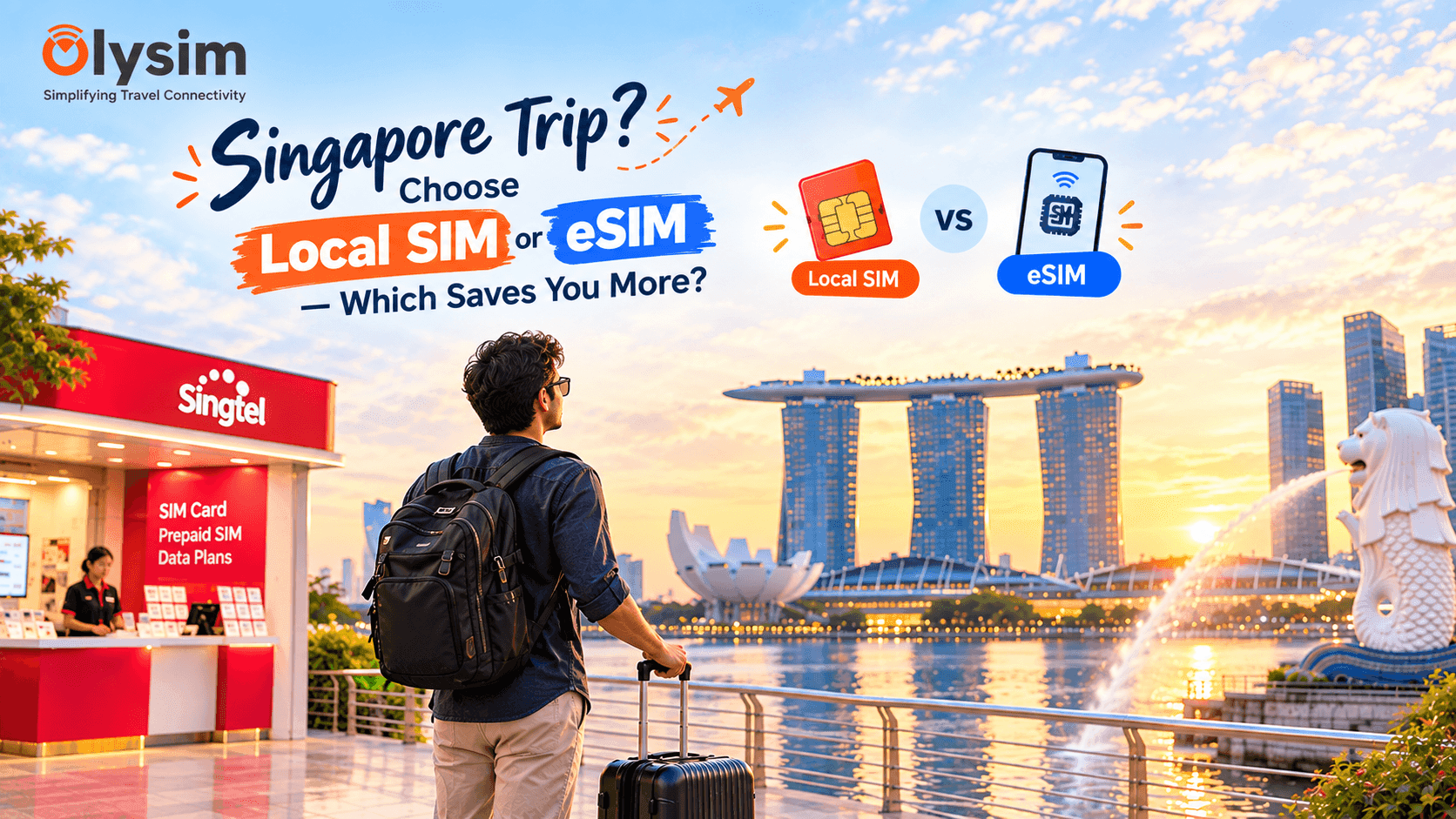
You land at Changi Airport after a flight from Chennai or Bengaluru, and the first decision waiting for you is whether to join the queue at the Singtel or StarHub counter, or open your phone and switch on an eSIM you already installed. The honest answer depends on more than just the sticker price.
Quick answer: a local Singapore SIM and a travel eSIM often cost a similar amount for the data itself, but an eSIM installed before you fly saves you the Changi Airport queue, the cash or card payment at the counter, and gets you connected the moment you land, not after.
What buying a local SIM at Changi actually involves
Changi Airport has Singtel, StarHub and M1 counters spread across the terminals, usually easy to find after immigration. You will need your passport to buy a tourist SIM card on the spot, and the counters are generally efficient by global standards.
Even so, the process takes a few minutes at the counter, plus queueing time if several flights have just landed. You also need to physically remove your Indian SIM and store it somewhere safe, then remember to put it back before you fly home.
What installing an eSIM before you fly involves
An eSIM is a SIM built into your phone, so there is no small plastic card to buy or swap. You install it at home using a QR code, ideally the night before your flight while you still have wifi or your Jio, Airtel or Vi data.
By the time you land at Changi, your eSIM is already sitting on your phone, ready to turn on. There is no counter to find, no passport to hand over for a SIM, and no need to touch your Indian SIM at all, since it stays in your phone the whole time.
Changi Airport SIM counter vs eSIM before you fly
| Question | Local SIM at Changi Airport | Travel eSIM before you fly |
|---|---|---|
| When you can set it up | Only after landing, at the counter | Before you fly, from home |
| Do you need your passport at the counter | Yes | No |
| Do you remove your Indian SIM | Yes, and you need to store it safely | No, it stays in your phone throughout |
| Can your Indian number still get OTPs | Only once you put your Indian SIM back | Yes, throughout the trip |
| Time to get connected after landing | Around ten to twenty minutes, depending on the queue | Almost instant, once you turn off airplane mode |
Does an eSIM actually save you money over a Singapore SIM?
The data itself is often priced similarly between a local Singapore SIM and a travel eSIM, so the sticker price is not always where the real saving is. Where you do save is by skipping an Airtel, Jio or Vi international roaming pack entirely, which usually costs far more for the same amount of data.
If your trip continues on to Malaysia or Thailand afterwards, a single regional eSIM plan can also work out cheaper than buying a fresh SIM in each country, since you skip repeating the airport counter process every time you cross a border.
Keeping your Indian number live for OTPs in Singapore
Most phones that support eSIM can also keep your regular Jio, Airtel or Vi SIM active at the same time, in what is called dual SIM mode. This means your Indian number can still receive GPay and PhonePe OTPs while your eSIM handles data in Singapore, something a physical Singapore SIM cannot do since it takes over your SIM slot entirely.
Read our full breakdown in receiving OTPs while using a travel eSIM abroad if this matters for your trip.
Setting up your Singapore eSIM before you fly out of India
Check your phone supports eSIM on the eSIM compatible device list, then install your Singapore eSIM at home using our eSIM installation guide. Set it as your data line, keep your Indian SIM active for calls and SMS, and you are ready before you even board.
If your route also covers Malaysia or Thailand, a Singapore, Malaysia and Thailand eSIM plan covers all three under one profile. Browse Singapore eSIM plans starting from a low daily cost on Singapore eSIM before you fly.


