


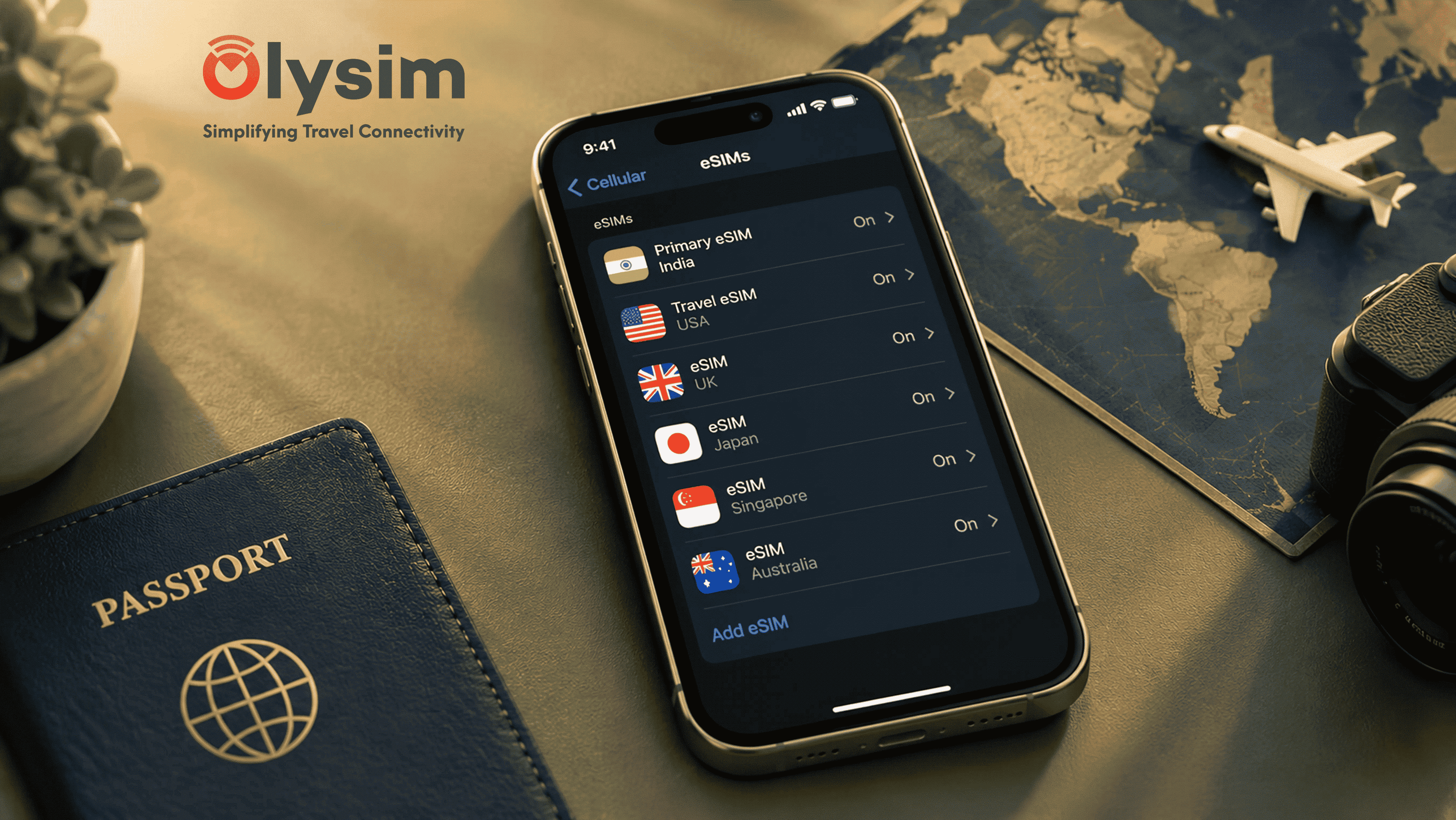
You bought an eSIM for your last trip to Thailand, and now you are heading to Georgia and trying to add a new one. Your phone throws up an error, or the QR code just will not scan, and you are wondering if the old eSIM is somehow in the way.
Quick answer: yes, most phones let you install a new eSIM without deleting the old one, as long as you have not reached your phone's storage limit for eSIM profiles. If your phone is full, you will need to delete an old, unused eSIM first before the new one can be added.
How many eSIM profiles can your phone actually hold?
An eSIM profile is simply the set of details that connect your phone to one network, stored inside your phone's built-in eSIM chip. Every plan you buy, from every trip, adds one more profile to that storage.
Most iPhones from the last few years can store around 8 eSIM profiles, though only one or two can be active for data at a time. Most Android phones, including recent Samsung Galaxy and Google Pixel models, allow around 5 to 8 profiles too, but this varies by exact model. Checking your phone's exact limit is worth doing on the eSIM compatible device list before you assume storage is the problem.
Why your new eSIM might fail to install
If you have used your phone for several previous trips, each with its own eSIM, you can genuinely run out of storage space. In that case, your phone will usually show a clear message saying it cannot add another eSIM until you free up space.
More often, though, a failed install has nothing to do with old eSIMs at all. A QR code that will not scan is usually caused by low light, a cracked screen protector glare, or trying to scan the code from the same phone you are installing it on. Follow our eSIM installation guide if the code will not read properly.
Should you delete an old eSIM before your next trip anyway?
Even if your phone has space, it is worth deleting eSIM profiles you know you will never use again, such as a plan from a Thailand trip six months ago that has already run out of data. This keeps your settings menu easy to navigate and avoids confusion about which eSIM is switched on for data.
Keep an old eSIM only if you plan to revisit that same country soon and the plan still has unused validity or data left on it.
Deleting an old eSIM: what to check first
| Check this first | Why it matters |
|---|---|
| Has the plan's validity period ended | Once it has expired, deleting it loses nothing |
| Is there unused data still on the plan | Deleting the eSIM does not refund or transfer leftover data |
| Is it currently set as your data line | Switch your active data line to another SIM before deleting it |
| Do you plan to revisit that country soon | Some plans can still be topped up if kept installed |
Setting up your new eSIM for Georgia, or wherever you are headed next
Once you have confirmed your phone has space, or cleared out an old, expired eSIM, adding a new one for your next trip works the same way it did the first time. Buy your plan while you still have wifi or your Indian SIM's data, then scan the QR code to install it.
Set the new eSIM as your line for data once you land, and keep your Jio, Airtel or Vi SIM active for calls and SMS so bank OTPs keep reaching you, as covered in our guide on receiving OTPs while using a travel eSIM abroad.
Most travellers never need to delete anything at all, since a handful of old eSIMs rarely fill up a modern phone's storage. If your install still fails after checking all of this, our frequently asked questions page covers other specific error messages, or you can reach support directly.
Ready for your next trip? Browse eSIM plans by destination on Olysim's plans page and install your new eSIM before you fly.


