How to put the SIM card in your phone (iPhone and Android)
Switch your phone off, push the SIM pin into the small hole on the side to open the tray, put the SIM card in with the cut corner matching the tray, and slide the tray back in.
It takes two minutes. You only need the SIM card and a SIM pin, or a small paper clip.
Before you start
- Your Olysim SIM card
- A SIM pin or a small paper clip
- A table, so the tiny card does not drop
Step by step
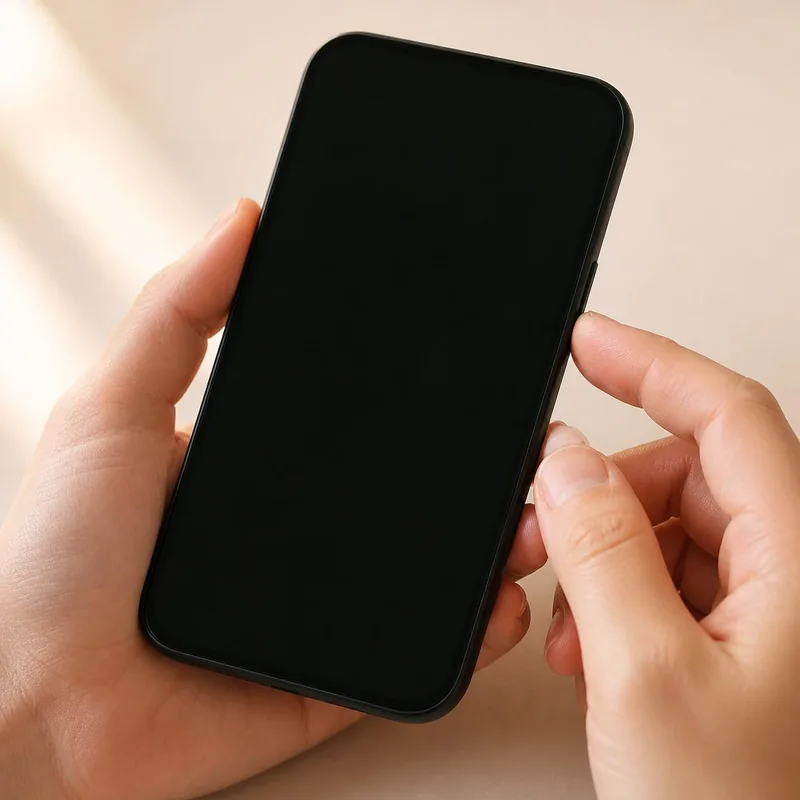 1Step 1 of 6
Switch your phone off.
This keeps your SIM and phone safe.
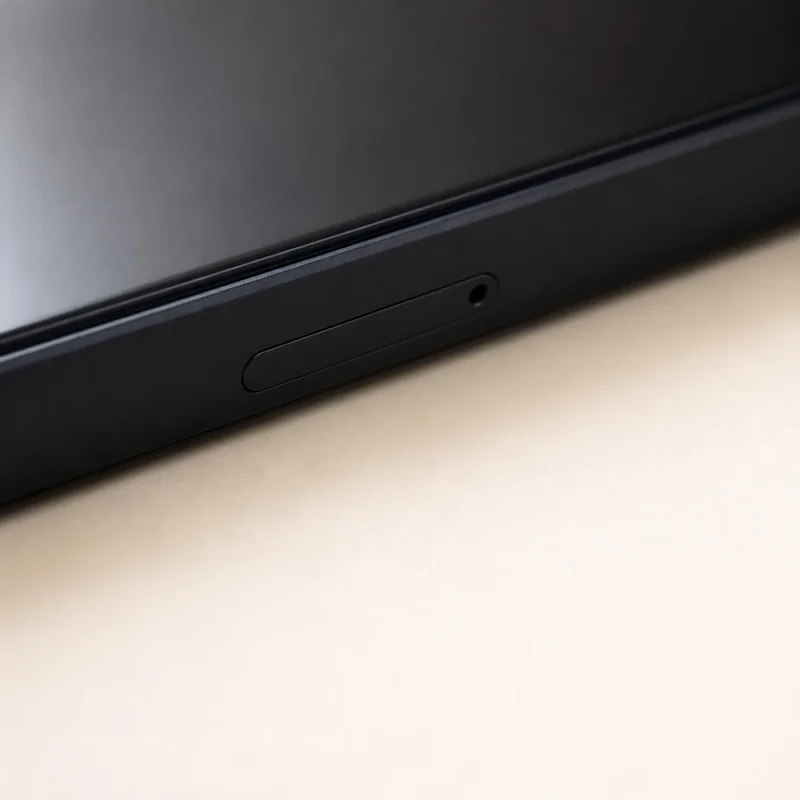 2Step 2 of 6
Find the small hole next to the SIM tray.
iPhone: on the side. Android: on the side, top or bottom.
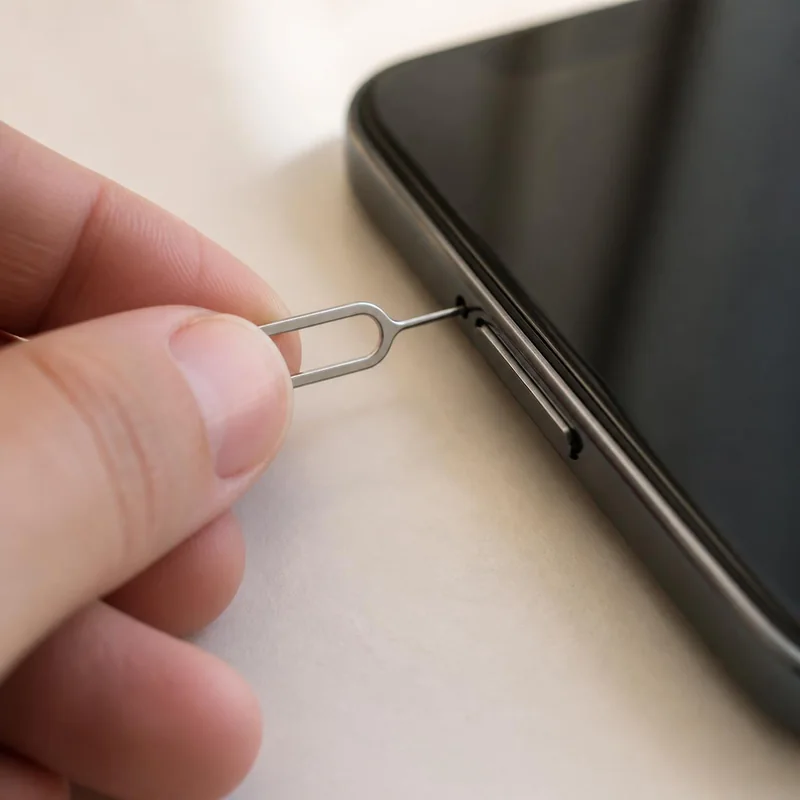 3Step 3 of 6
Push the pin straight in until the tray pops out.
Press gently. It needs only a little force.
 4Step 4 of 6
Pop the SIM out of the card frame.
Use the smallest size, nano SIM, for most phones.
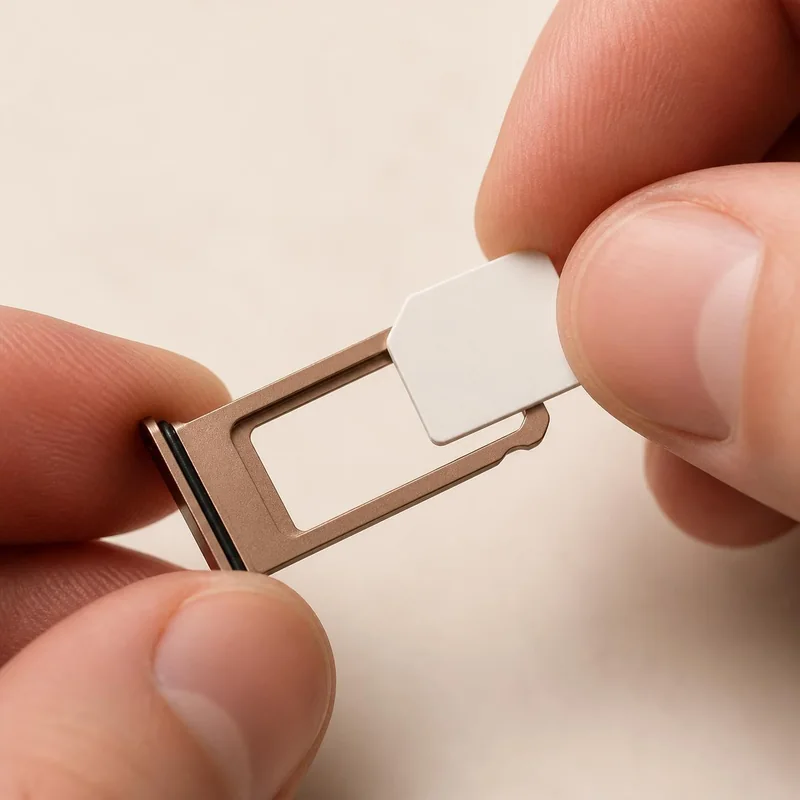 5Step 5 of 6
Place the SIM in the tray with the cut corner matching the tray.
Gold contacts face down. Two slots? Use the second one for the travel SIM.
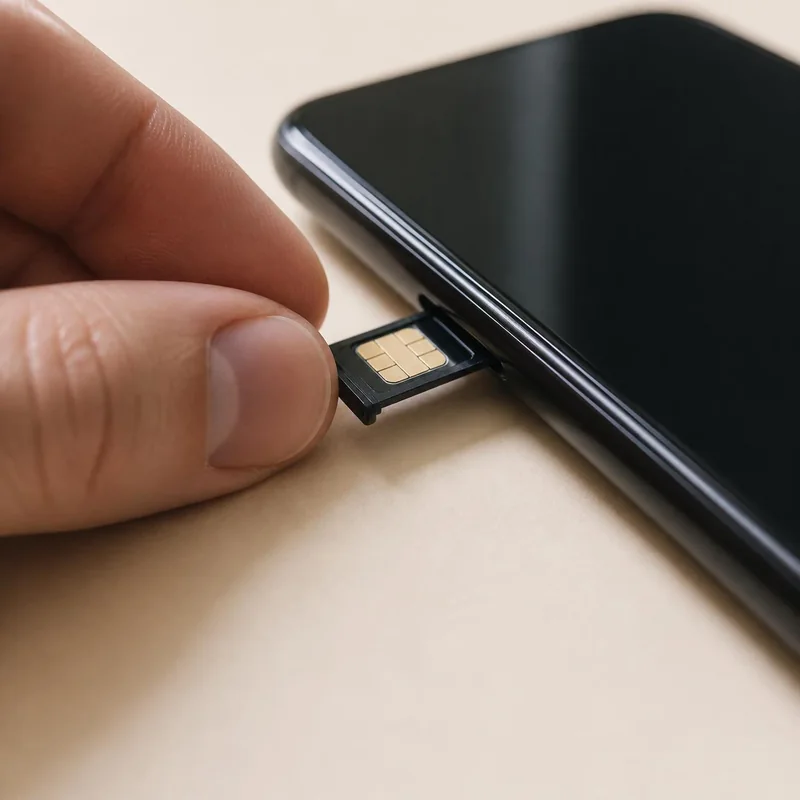 6Step 6 of 6
Slide the tray back in and switch the phone on.
It only goes in one way. Do not force it.
Taking your Indian SIM out? Tape it to a piece of card or keep it in a small zip bag, so it does not get lost on the trip.
Common questions
My phone has only one SIM slot. What happens to my Indian SIM?
Take it out while you travel and keep it safe. Your Indian number does not work on the phone while it is out. Put it back when you are home.
My Indian number is on an eSIM. Can I use the SIM card too?
Yes. Put the Olysim SIM card in the tray. Your Indian eSIM and the travel SIM can both be on.