Is my phone eSIM compatible? How to check
Dial *#06# on your phone. If you see a number called EID, your phone supports eSIM. Your phone also needs to be unlocked, so it can use other networks.
It takes ten seconds. Here are the quickest ways to check.
Step by step
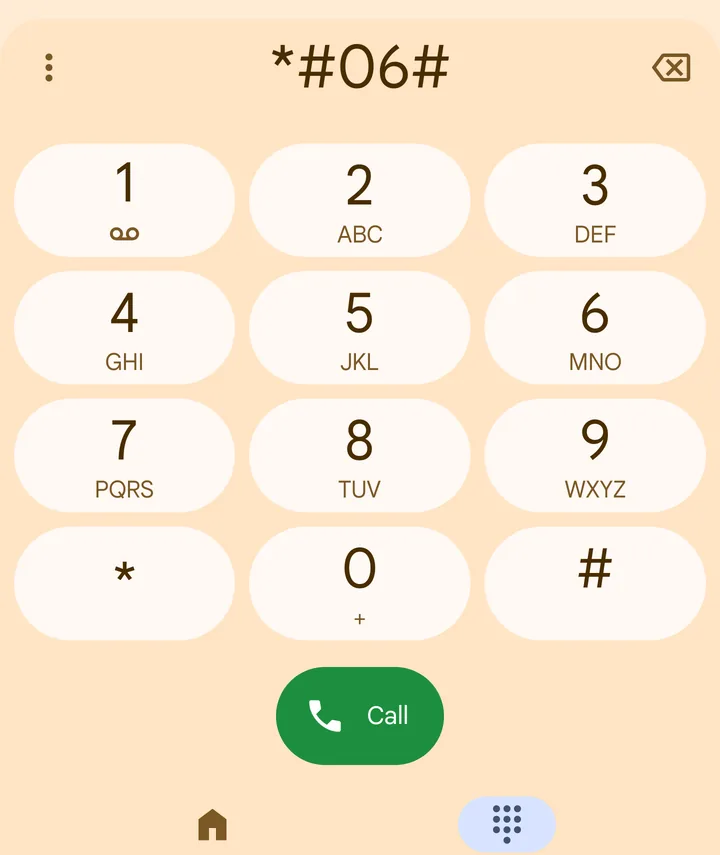 1Step 1 of 4
Open the phone app and dial *#06#.
You do not need to press call. The numbers appear by themselves.
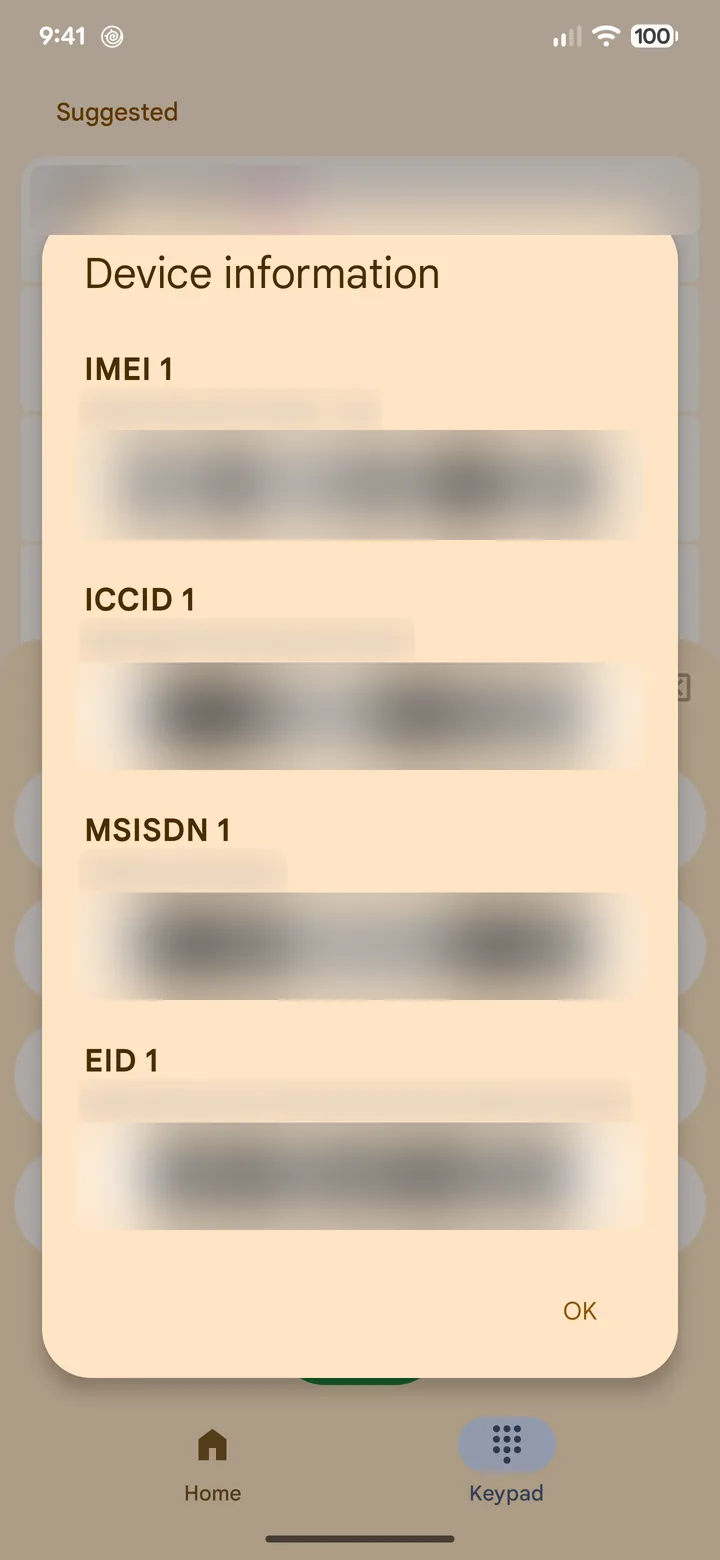 2Step 2 of 4
Look for a number called EID.
You will also see IMEI numbers. Only the EID matters here.
- 3Step 3 of 4
See an EID? Your phone supports eSIM.
No EID? Your phone has no eSIM. A physical SIM card may be the answer.
- 4Step 4 of 4
Check that your phone is unlocked.
On iPhone: Settings > General > About > Carrier Lock should say No SIM restrictions.
Phones that usually support eSIM
- iPhone: iPhone XS, XR and every newer iPhone, including those sold in India.
- Samsung Galaxy: many S series and Z Flip and Z Fold models. Some Galaxy phones sold in India have no eSIM, so check with *#06#.
- Google Pixel: Pixel 3 and newer.
- Other Android phones: some recent models only. Many phones sold in India have no eSIM.
The *#06# check is the one to trust. You can also see our full list of eSIM phones. No eSIM? Order the same plan as a physical SIM card, delivered to your home.
Common questions
What if I don't see an EID?
Your phone has no eSIM. Order the same plan as a physical SIM card and we deliver it to your home in India.
My phone is from my Indian network. Is it locked?
Most phones sold in India are not locked to a network. If you bought your phone outright, it is almost always unlocked.
Do iPads and smartwatches work too?
Some iPads with mobile data support eSIM. Smartwatches usually need a plan from your home network, so check our supported device list first.