How to buy an Olysim eSIM, step by step
Quick answer
Pick your destination on olysim.in or in the Olysim app, choose a plan and eSIM or SIM card, pay, and your eSIM QR code arrives by email within seconds.
Before you start
- A phone that supports eSIM
- Your email address
- About 3 minutes
Step by step
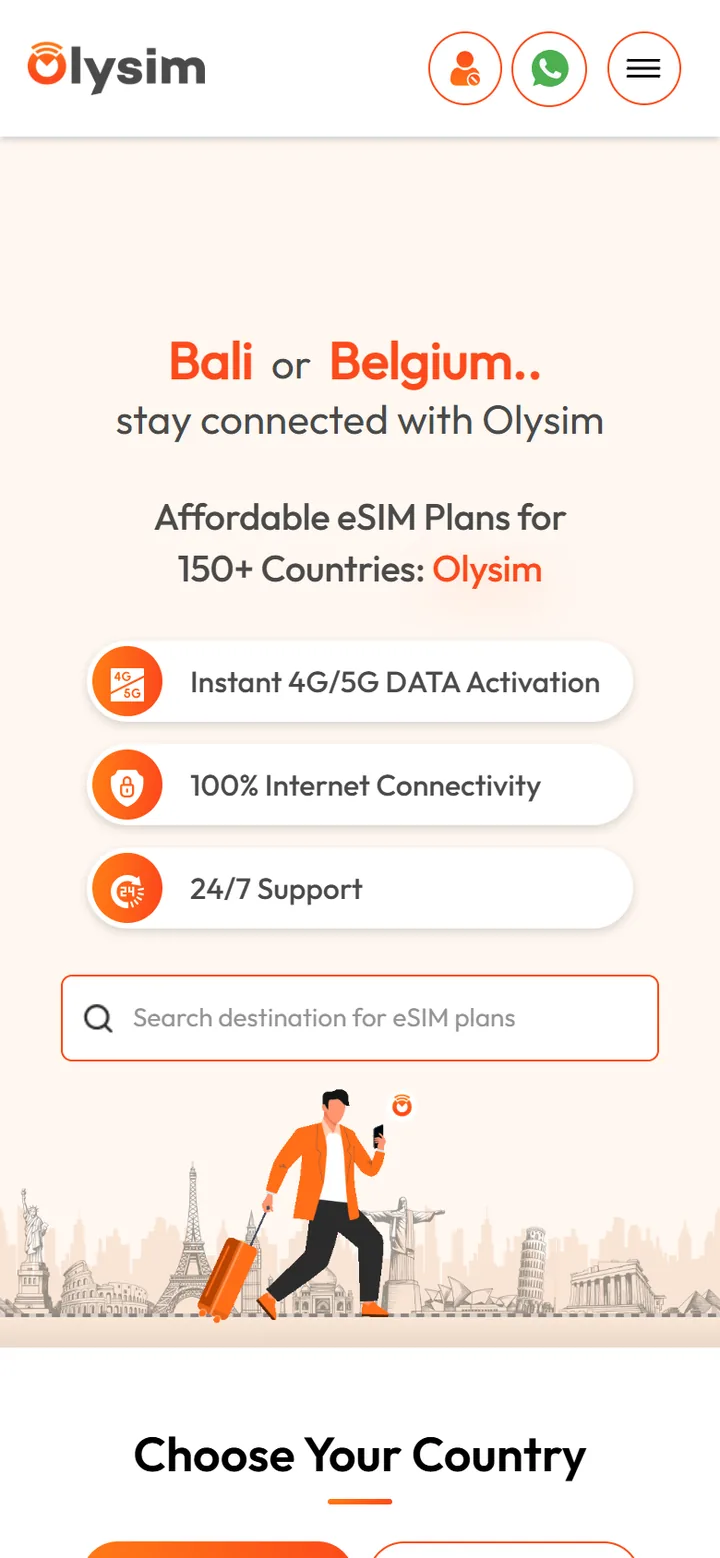 1Step 1 of 6
Search for the country or region you are visiting.
Going to several countries? Look at the regional plans.
- 2Step 2 of 6
Choose a plan with enough data and days for your trip.
Not sure? Pick a little more data than you think. You can top up later too.
- 3Step 3 of 6
Choose eSIM or SIM card.
No eSIM on your phone? Choose SIM card and add your delivery address.
- 4Step 4 of 6
Tap Buy now and sign in with your email.
We send your eSIM to this email, so check it is right.
- 5Step 5 of 6
Pay with UPI, card or another method shown.
You see the full price before you pay.
- 6Step 6 of 6
Open the email with your QR code.
For a SIM card, you get delivery updates instead.
Buy a few days before your trip, then install the eSIM at home on Wi-Fi. Your plan only starts when you connect at your destination.
Did this solve it?