Can I use my eSIM as a hotspot?
Quick answer
Yes, on most plans. Turn on Personal Hotspot on iPhone or Mobile Hotspot on Android, and other devices can use your eSIM data. It uses data faster, so keep an eye on what is left.
Step by step
- 1Step 1 of 4
Make sure the Olysim eSIM is your Mobile Data line.
The hotspot shares whichever SIM is set for data.
- 2Step 2 of 4
iPhone: open Settings > Personal Hotspot.
Turn on Allow Others to Join.
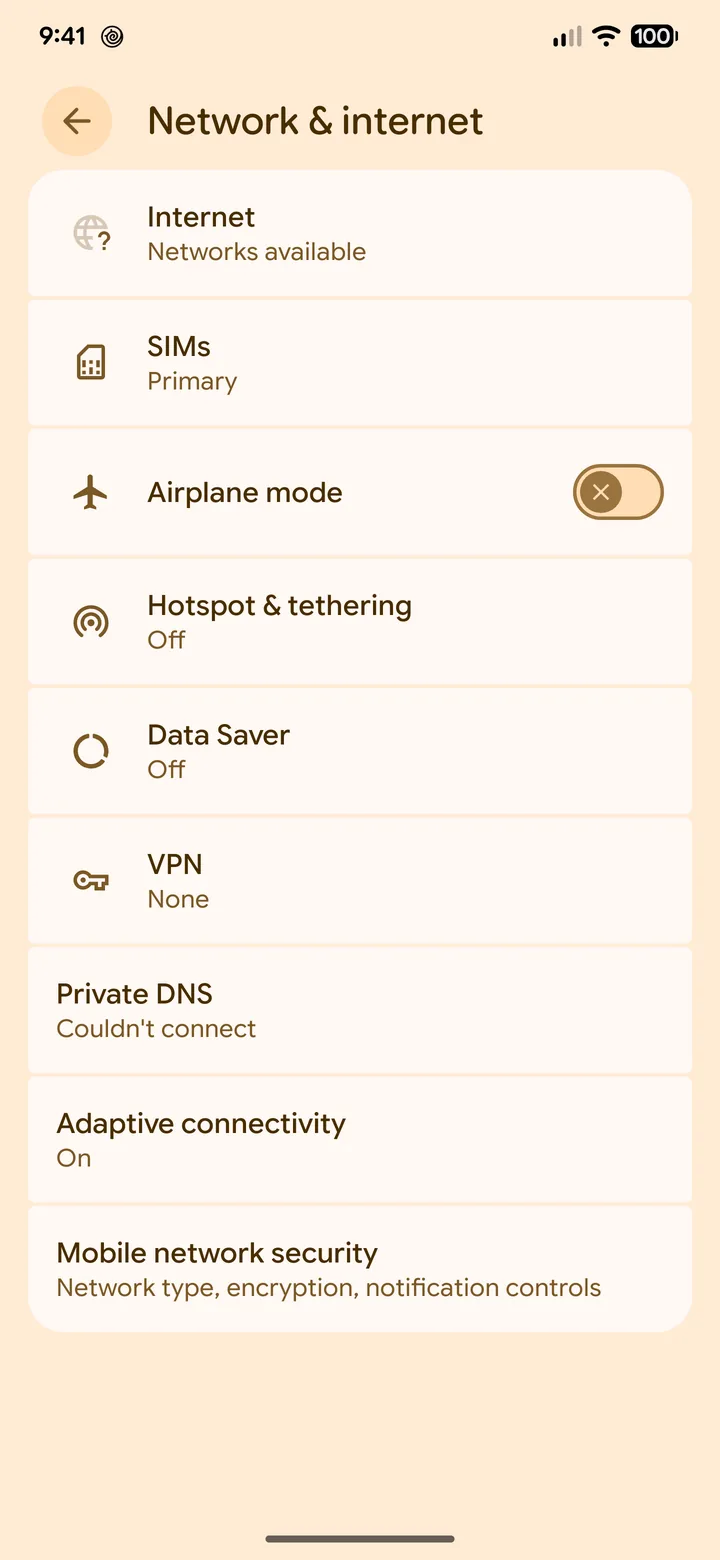 3Step 3 of 4
Android: open Settings > Network & internet > Hotspot & tethering.
Samsung: Connections > Mobile Hotspot and Tethering.
- 4Step 4 of 4
Connect your other device to the Wi-Fi name and password shown.
Keep the phone close by.
Laptops can use a lot of data in the background. Pause cloud backups and updates while on hotspot.
Did this solve it?