
South Africa eSIM & SIM Card

South Africa eSIM & SIM Card
South Africa is a long but increasingly popular safari-and-coast trip out of India. One plan on Vodacom covers the whole route, on either kind of SIM, for a week or a month.
Choose Bundle:
1 GB - 7 days
$7.003 GB - 15 days
$10.505 GB - 30 days
$15.0010 GB - 30 days
$26.001 GB - 7 days
$7.00Description

Data Allowance:
1GB, 3GB, 5GB and 10GB.
Validity Period:
7 days, 15 days and 30 days.
SIM Form:
eSIM
Data Speed:
5G / 4G / LTE
Countries Covered:
South Africa
Mobile Plan Type:
Prepaid
MService:
Data Only
List Of Coverage
South Africa:
Vodacom
How to check South Africa eSIM Compatibility?
Dial *#06# and press the call
Can you see your device’s eSIM unique identification number (EID)?
If yes, your phone is eSIM compatible.
How to install your Olysim eSIM in 3 easy steps
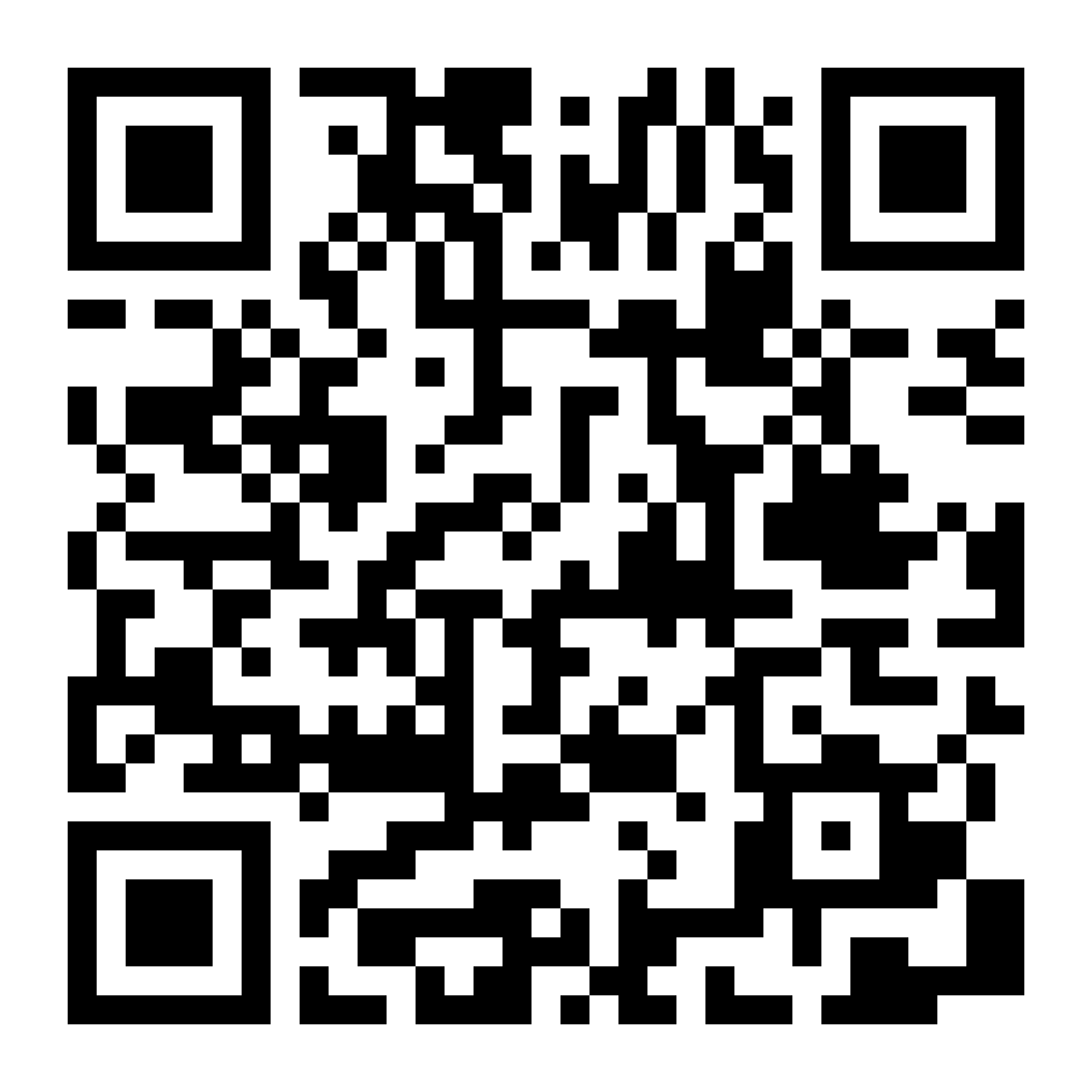
Buy the plan, scan the QR code that lands in your email, and switch the line on after you arrive. Install it on wi-fi before you fly - the data only starts counting once you connect abroad.

South Africa eSIM for Indian travellers - why choose Olysim
Pick the size that fits the trip
A four-day work trip and three weeks with family need very different plans, so you choose the data and the days for South Africa. Around 3GB covers a week of maps, messaging and a daily scroll; 10GB carries a fortnight with video calls home.
Set it up in India, land connected
Your QR code arrives by email seconds after payment. Scan it at home on wi-fi, and the South Africa line comes alive on its own once you land and switch it on.
We answer on WhatsApp, any hour
Stuck on the install, or the line will not attach after landing? Message us and a person replies, whatever the hour is where you are.
What is an eSIM, and can I get a physical SIM card instead?

A SIM built into the phone
Phones from the iPhone XS onward, and most Android flagships since 2019, carry an eSIM slot alongside the usual tray. Adding a plan writes it to that slot, and the SIM you use every day stays where it is.

The QR code is the plan
Scanning the code from your email writes the plan onto that handset. It installs once and stays there, so scan it on the phone you are actually travelling with.

No eSIM? Take a SIM card
Older handsets and a few India-bought models have no eSIM slot at all. The same plan ships to your address as a physical SIM before you fly, and works the same way once you land.
Why travellers trust Olysim
- Didn't activate? Full refund.If your eSIM has a technical issue, you get a refund within 30 days.
- 100% secure paymentPay by UPI, GPay, PhonePe, Paytm or card — encrypted checkout.
- Help whenever you need it24/7 live chat and WhatsApp support, before and during your trip.
South Africa eSIM: frequently asked questions
Yes, this South Africa plan is available as a physical SIM too, in case your phone doesn't support eSIM or you'd rather not change settings while travelling.
Yes, it is data only. Use it for maps, WhatsApp, video calls and browsing in South Africa. Around 3GB is a comfortable week of that.
Buy the plan, scan the QR code over Wi-Fi before you leave, and it activates automatically once you land in South Africa - no local store visit needed.
Top up the same eSIM or SIM anytime from the Olysim app, without buying a fresh plan or hunting for a shop in South Africa.
South Africa eSIM & SIM Card customer reviews
No reviews yet. Used this eSIM? Be the first to review it.


Download Olysim eSIM App To Manage Your eSIM Anytime, Anywhere